Back to Footers
Inspired by:Jolocky
Added on Oct 5, 2026
Pro Component
Source Code is Locked
Get instant access to complete production TypeScript code & CLI commands.
Lime Lessons Signup
lime-lessons
Interactive Architecture
Built from scratch by Jolocky, with our own layout, color and motion.
Signature Standard
Precision interaction engineering with zero external runtime bloat.
Pro Commercial Access
Production-ready multi-file tree built for modern Next.js and Tailwind CSS.
Engineering Breakdown
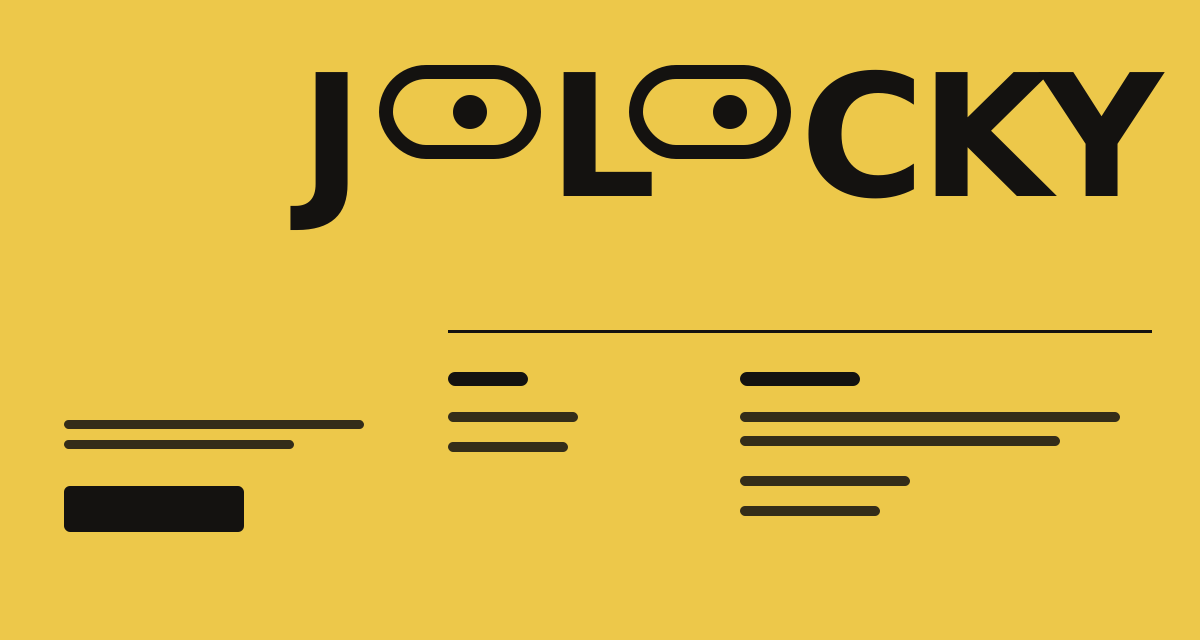
Lime Lessons Signup — A bright lime footer for a lessons platform, with two ruled link lists and a weekly signup form. Hovering a row fills it with ink, turns the text lime and slides an arrow in. On touch screens a tap flashes the fill instead. The form gives live hints as you type, locks an underline on when the email is valid, and the pill button rolls its label on hover, then shrinks into a spinner and a check. Below sits a large block monogram that grows wider and flatter on bigger screens. The layout changes at 600px and 1024px, and the height comes from the content.
Every interaction state, motion curve, and responsive edge-case has been extracted and reconstructed for seamless integration into modern React applications.
01
Zero — Primitive Dependency & Pure Standalone Pattern: pure React and scoped CSS. There is no UI primitive library, no icon package and nothing extra to install.
02
Ink Fill Rows: a pseudo element grows from the bottom of the row on hover or keyboard focus, the label slides 14px right and the arrow slides in from the left. Pages get a right arrow and external links get a diagonal one.
03
Touch Feedback: devices without a fine pointer skip the hover. A press adds an active class for 450ms so the row flashes its fill, page arrows stay hidden and the external arrow stays faintly visible.
04
Live Validation: the name field shows a check once it has text. The email field shows a format hint while it is wrong and a valid mark when it passes, and an underline scales in from the left when the field is focused, valid or in error.
05
Four Form States: idle, loading, done and error. Submitting checks both fields first, and a failed handler puts a try again hint on the email field. Typing after success returns the form to idle, and submitting again clears it.
06
Morphing Button: the pill narrows to a circle, the label fades out, a spinner shows while loading and a check draws itself with a stroke offset when the signup is done. On desktop a short thank you message slides in beside it.
07
Subscribe Handler: pass onSubscribe to connect a real endpoint. Return false or throw to show the error. Without it the demo waits one second and succeeds.
08
Monogram From Blocks: the JL mark is four absolutely placed blocks in percentages. Its aspect ratio is 2.62 on mobile, 3.4 on tablet and 4 on desktop, and the curve radius follows the mark width with a container query unit.
09
Fluid Spacing: the padding and gaps use clamp between phone and wide desktop, and the footer never sets a viewport height, so its size always comes from its content.
10
Reduced Motion: every transition is cut to almost nothing. The autofill fix keeps its own long duration so the browser autofill colour never shows.
Technology Stack
Engineered using established and reliable modern web technologies for peak runtime performance and developer ergonomics.
React
Next.js
TypeScript
Scoped CSS
Inline SVG
Container Queries
Zero Primitive
Last Updated
Oct 5, 2026
Tags & Specifications
Fill Hover LinksLive ValidationMorphing ButtonBlock MonogramTouch FeedbackZero Primitive
Color Palette
#c8f54a
#101113
#f4f6ec
#89a92c
Technology Stack
Engineered using established and reliable modern web technologies for peak runtime performance and developer ergonomics.
React
Next.js
TypeScript
Scoped CSS
Inline SVG
Container Queries
Zero Primitive