Back to Footers
Inspired by:Jolocky
Added on Oct 5, 2026
Pro Component
Source Code is Locked
Get instant access to complete production TypeScript code & CLI commands.
Cobalt Panel Sitemap
cobalt-panel
Navigation & Sitemap Architecture
Built from scratch by Jolocky, with our own layout, color and motion.
Signature Standard
Precision interaction engineering with zero external runtime bloat.
Pro Commercial Access
Production-ready multi-file tree built for modern Next.js and Tailwind CSS.
Engineering Breakdown
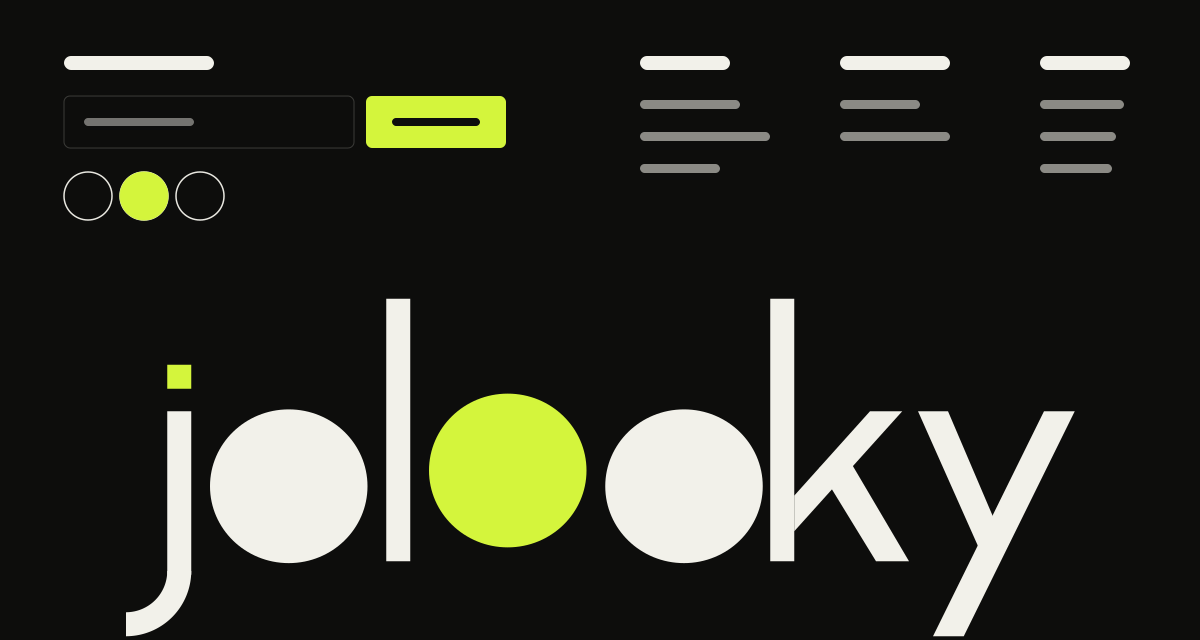
Cobalt Panel Sitemap — A cobalt blue footer holding a floating white panel with the newsletter signup, six columns of links and the social icons. The panel rises into place when the footer scrolls into view, and the giant wordmark below it comes into focus from a blur one letter at a time. A soft light follows the mouse across the blue. On desktop the links sit in six columns, tablet folds them into three and moves the contact link into the panel, and mobile turns each column into a smooth accordion where one section stays open at a time. The logo mark has a quarter that swings open on hover, and on touch screens it swings by itself after the reveal and again when tapped.
Every interaction state, motion curve, and responsive edge-case has been extracted and reconstructed for seamless integration into modern React applications.
01
Zero — Primitive Dependency & Pure Standalone Pattern: pure React and scoped CSS. There is no UI primitive library, no icon package and nothing extra to install.
02
Panel Reveal: once 30% of the footer is on screen, the white panel rises 32px and fades in over a second. The reveal plays a single time.
03
Blur — In Wordmark: each letter of the giant wordmark goes from blurred and transparent to sharp, 70ms after the previous one, with a 250ms head start.
04
Cursor Light: on devices with a mouse, a soft white light follows the pointer across the blue. Its position is written to two CSS variables once per frame, and it parks off screen when the pointer leaves. It is switched off on mobile.
05
Wordmark Sized by Container Units: the wordmark and the logo scale with the footer width through container query units, so they keep their proportions in any layout.
06
Three Layouts: desktop shows six link columns and the full bottom bar. Tablet uses three columns, moves the contact link into the panel and hides the credit. Mobile hides the Home column and the credit and stacks the logo above the wordmark.
07
Mobile Accordion: the column heads turn into buttons that open one section at a time, with a plus that rotates into a cross and a height animation driven by grid rows. Products starts open.
08
Logo Swing: a quarter of the logo mark swings open on hover. On mobile it swings 1.1 seconds after the reveal and again on every tap, which does not follow the link.
09
Native Email Validation: the form is checked by the browser rules for a required email. An invalid address turns the underline red and focuses the field. A valid one swaps the form for a thank you note.
10
Ready for a Real Request: pass an onSubscribe handler to send the email to your provider. Returning false or throwing is treated like an invalid email.
11
Reduced Motion: all transitions are switched off and the panel and wordmark are shown right away.
Technology Stack
Engineered using established and reliable modern web technologies for peak runtime performance and developer ergonomics.
React
Next.js
TypeScript
Scoped CSS
Container Queries
Inline SVG
Zero Primitive
Last Updated
Oct 5, 2026
Tags & Specifications
Cursor LightBlur Reveal WordmarkMobile AccordionNewsletter FormResponsive LayoutsZero Primitive
Color Palette
#0a4fd6
#fafafa
Technology Stack
Engineered using established and reliable modern web technologies for peak runtime performance and developer ergonomics.
React
Next.js
TypeScript
Scoped CSS
Container Queries
Inline SVG
Zero Primitive